Photos that stand out from the next booth
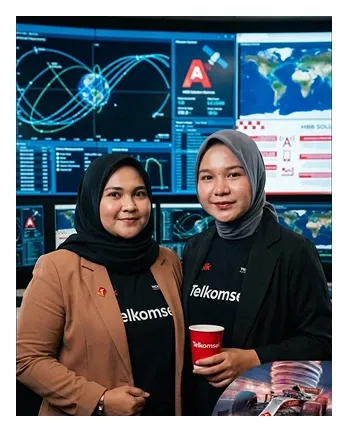
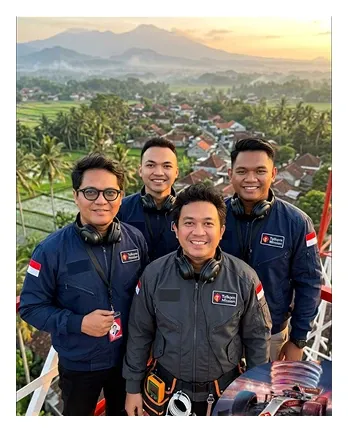
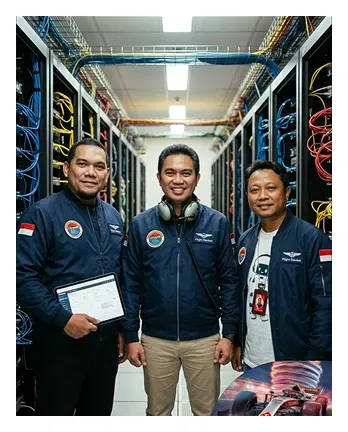
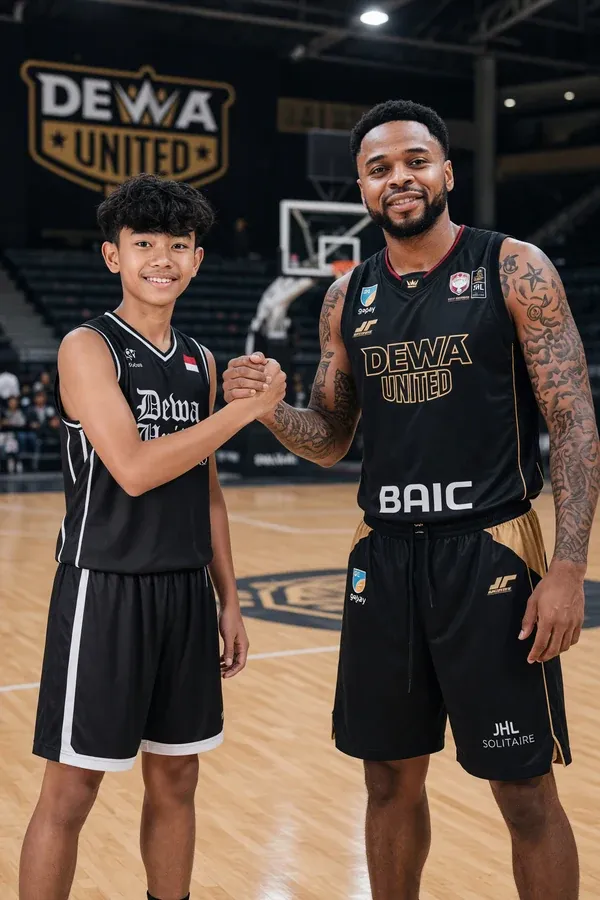
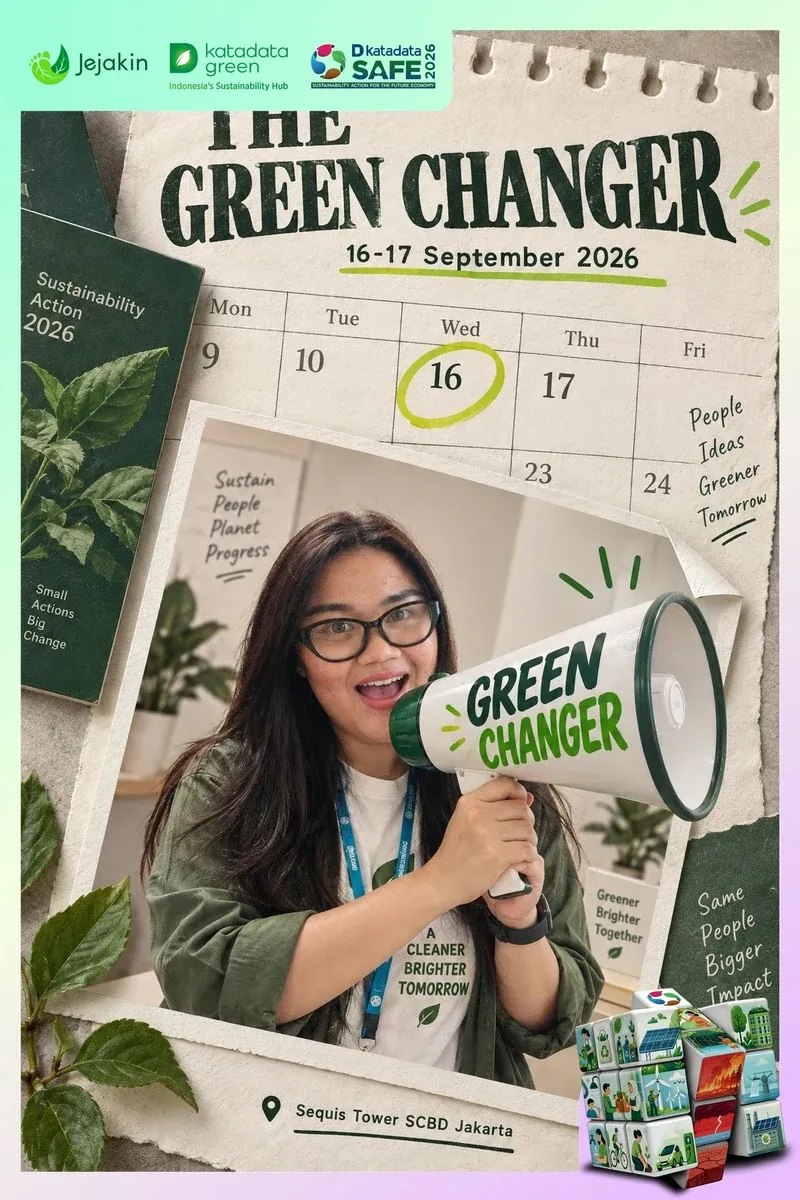
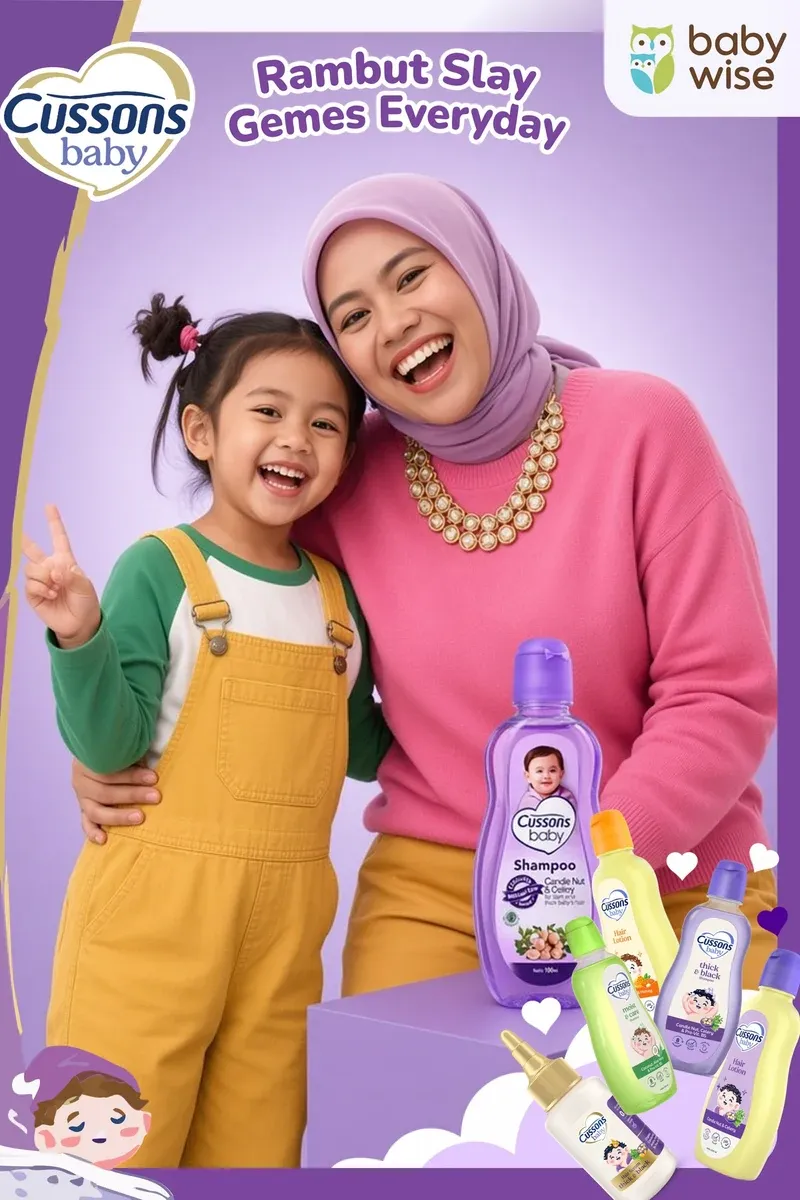
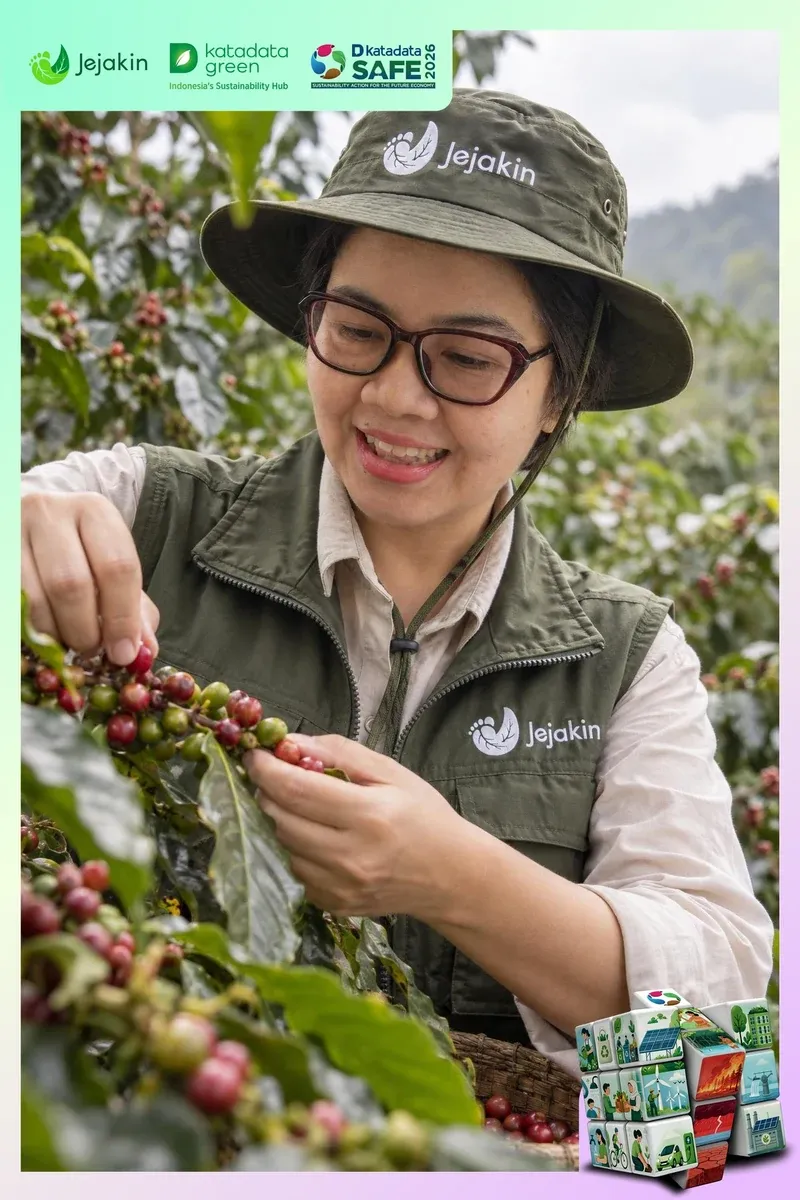
AI swaps the background, the outfit or the style. Every guest still looks like themselves.
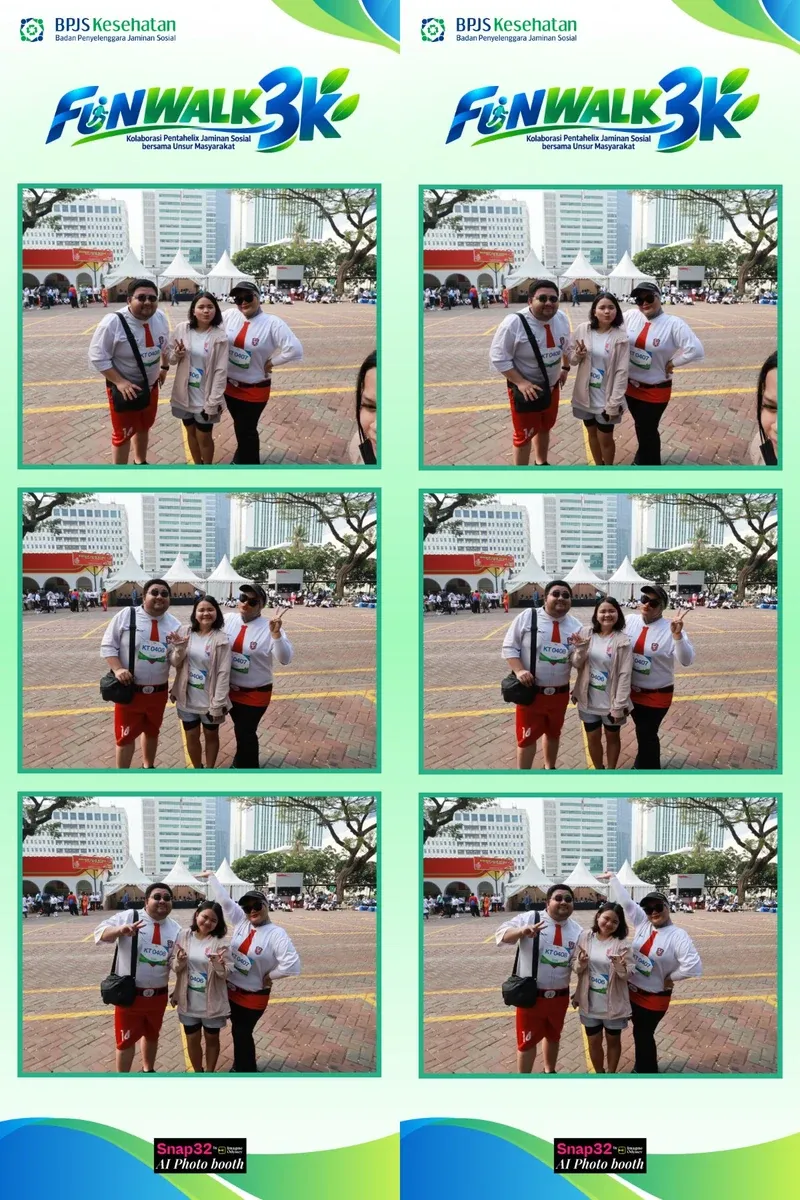
A classic booth that prints on the spot, or AI that restyles each guest to fit your theme. Guests take their photo home through a QR code, and their contact details land in your dashboard.
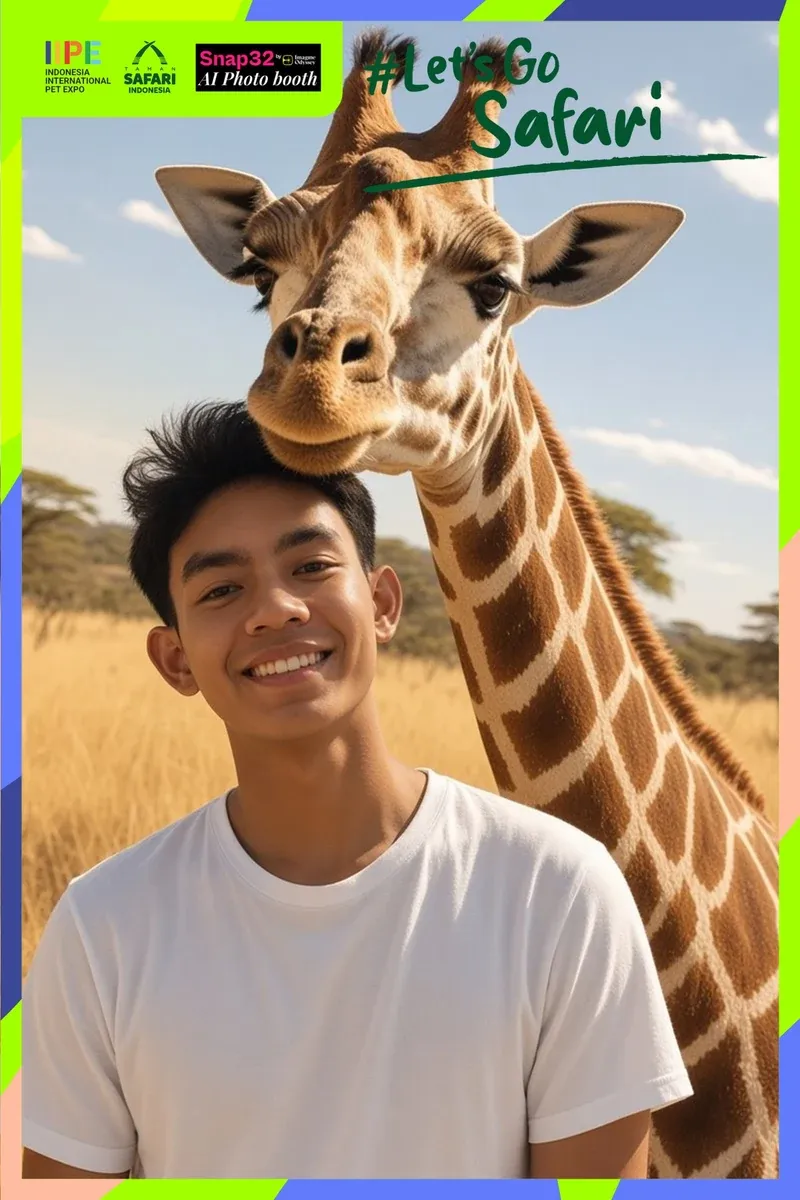
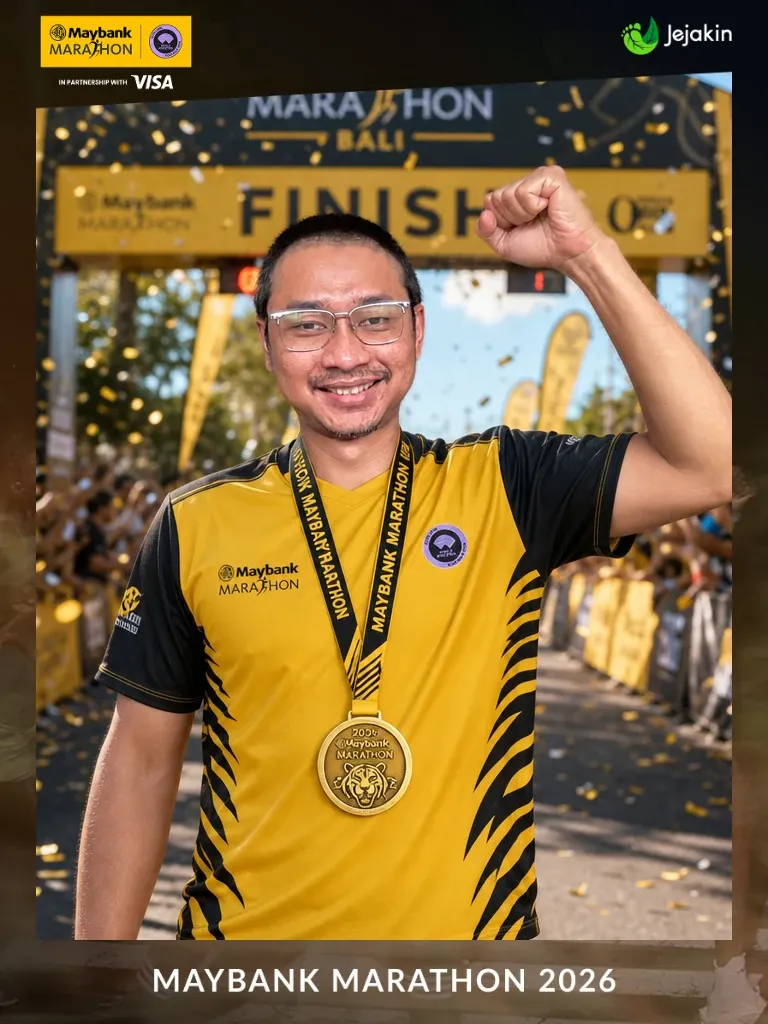
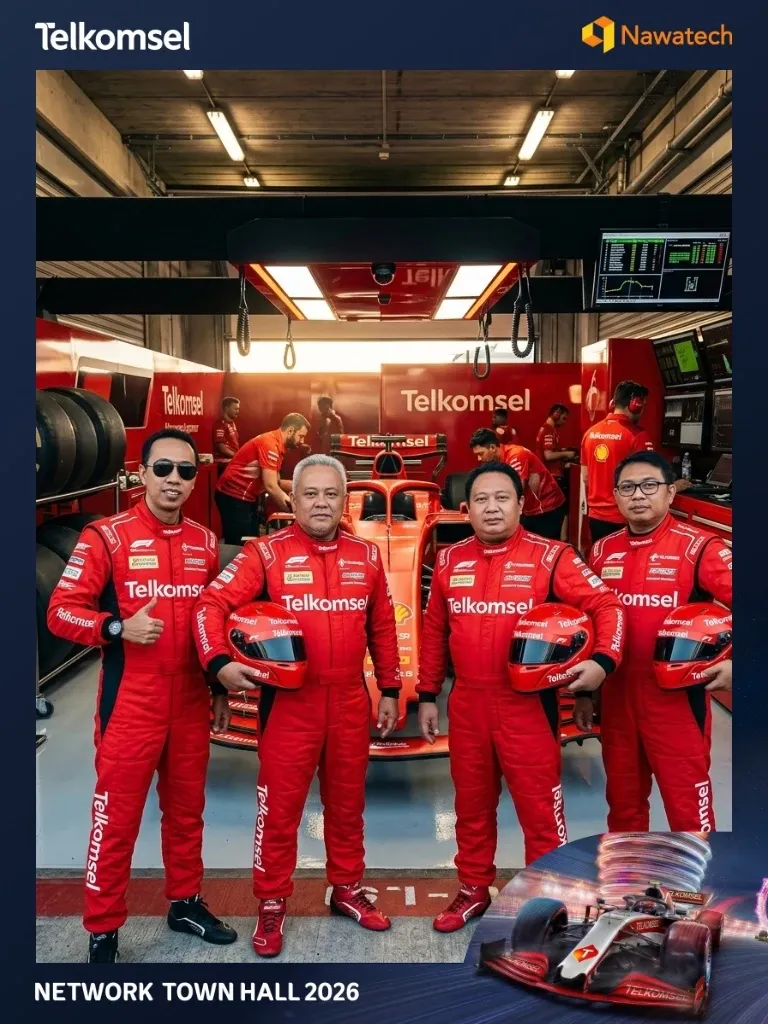



Snap32 keeps going until each guest's name, email and phone number are in your dashboard, typed in by the guest.
AI swaps the background, the outfit or the style. Every guest still looks like themselves.
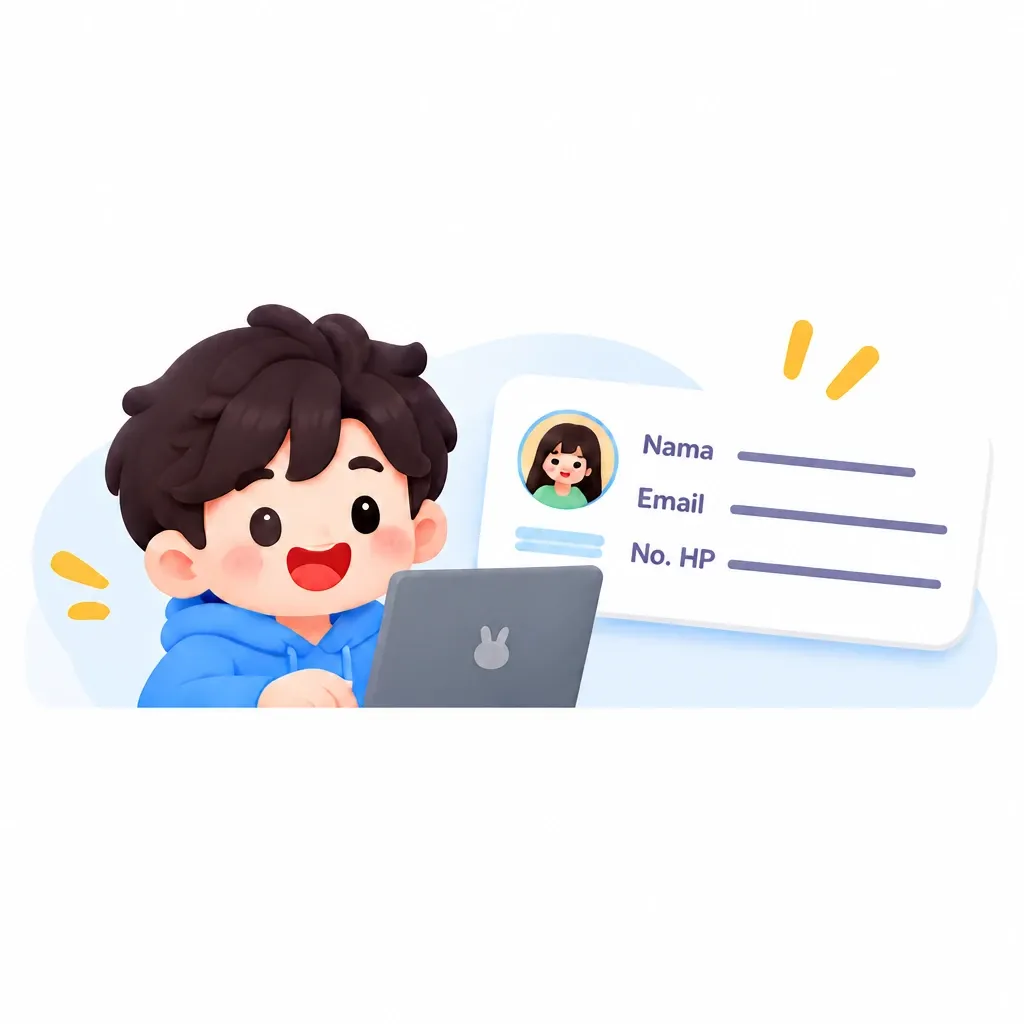
The moment a guest collects their photo, their details are in your dashboard. No spreadsheet after the event.

Guests save the photo to their phone and send it on WhatsApp or social media, with your brand's frame on it.
Guests fill in the form when they collect their photo, so the details come from the person. Export to CSV for your CRM whenever you need.

Pick the one that suits the event, or run several behind a single link. Every photo and every contact lands in the same dashboard.
The classic photobooth. Guests pick a frame and a film look, take a few shots, and the print comes out on the spot.
Good for: Weddings, company gatherings, and booths that need fast prints.
Guests pick a style, a background or an outfit, and AI transforms the photo. Their face and pose stay as they are.
Good for: Brand activations and themed events.
Guests step into a scene with a character you choose, in a pose they pick themselves.
Good for: Product launches, mascots, and meet and greets.
A recorded guest book. Guests leave a video or voice message for the hosts, plus a card with one line from what they said.
Good for: Weddings, birthdays, and farewells.
Design it on your laptop, open it at the booth, and photos and guest details come in while the event runs.
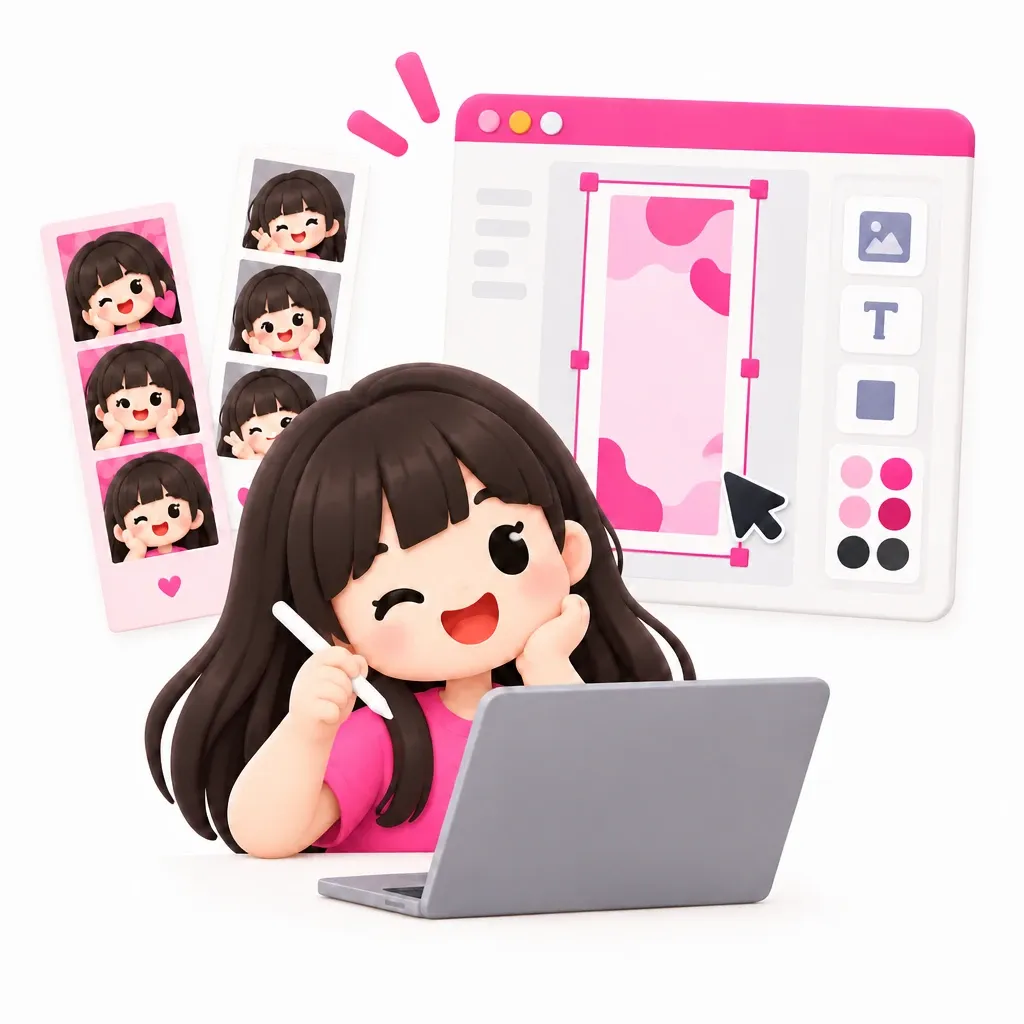
Set it up yourself in the dashboard, or with the Snap32 team: background, frame, AI styles, and the photo email in your brand.
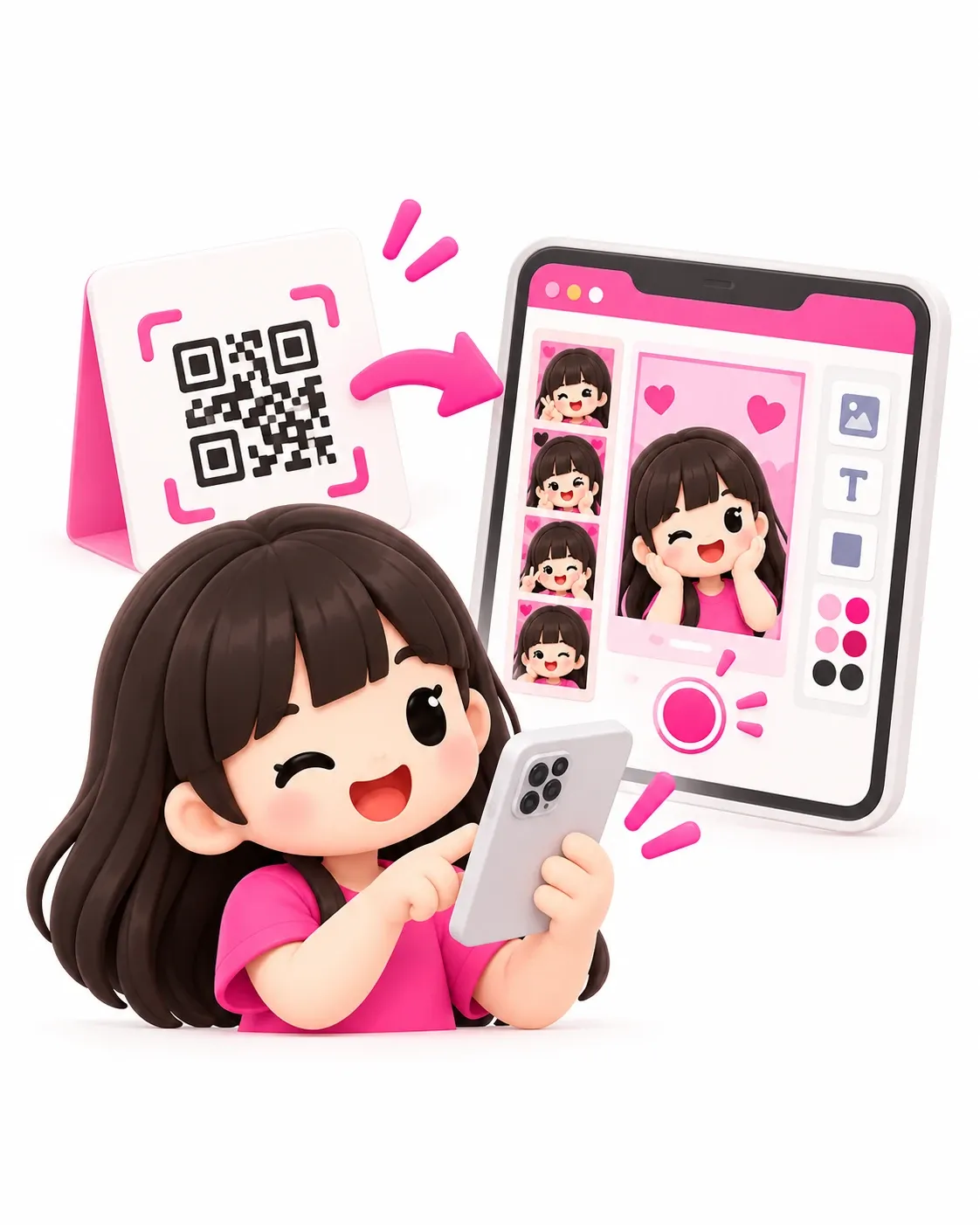
Open the booth link on a laptop, PC or tablet, or use the Snap32 kiosk app for a DSLR camera and a printer. Guests can also use their own phone as the camera through a QR code.

Guests leave with their photo, and you keep their names and contact details. Watch photos and leads come in from the dashboard during the event.
Brands that want leads, organizers with a roster of clients, and booth owners who want their booths booked more often. Pick the one closest to you.
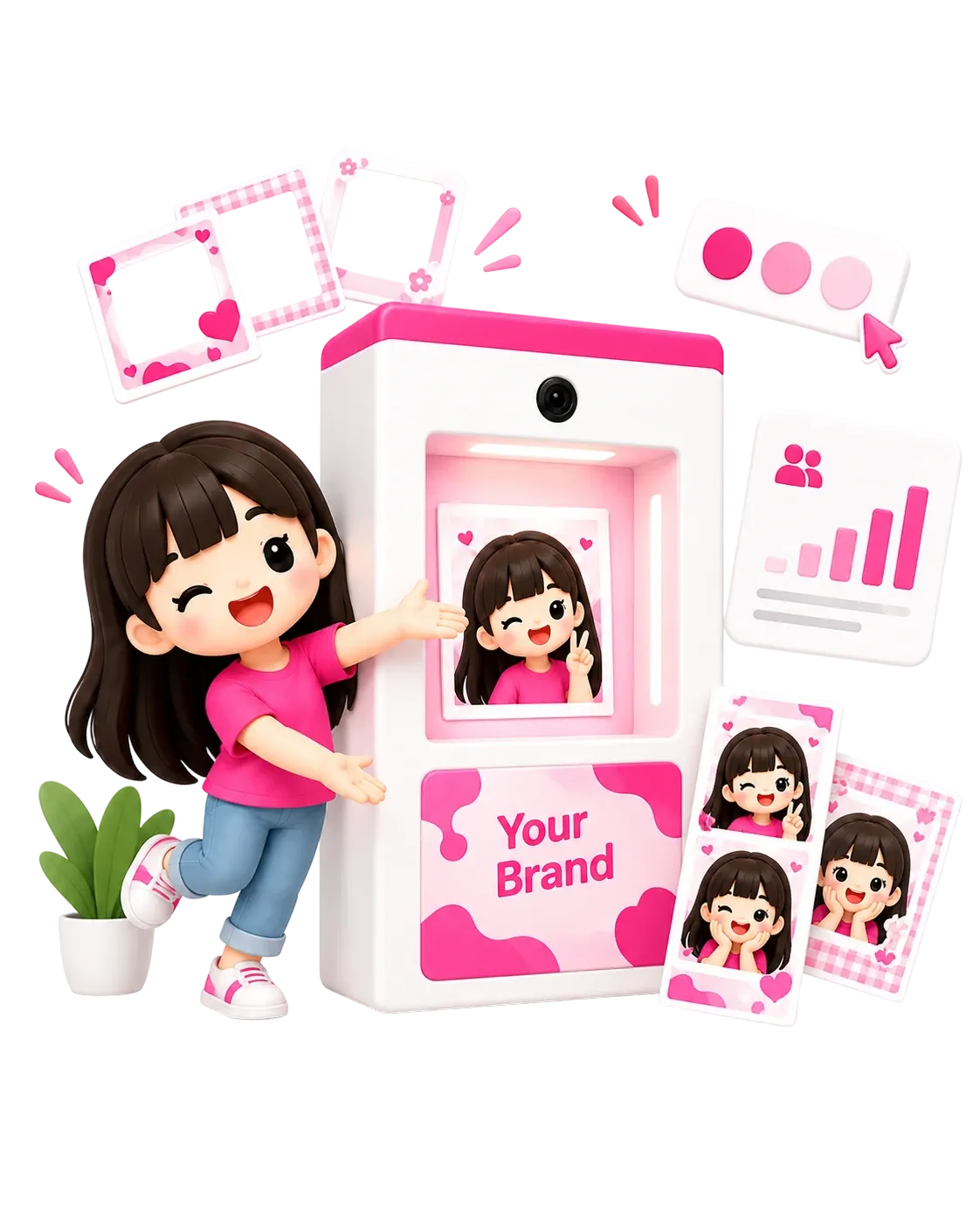
You already paid for the crowd. Take the guest list home too.
Guests who want their photo first leave their name, WhatsApp number, email, or any field you add. Your frame and colours go home on every photo, and the list is ready to export before the booth is packed up.
Names, emails and phone numbers arrive as guests collect their photo by QR.
Your frame, colours and AI styles appear on every result.
Photos, leads and the guests' favourite picks, ready for Monday's meeting.
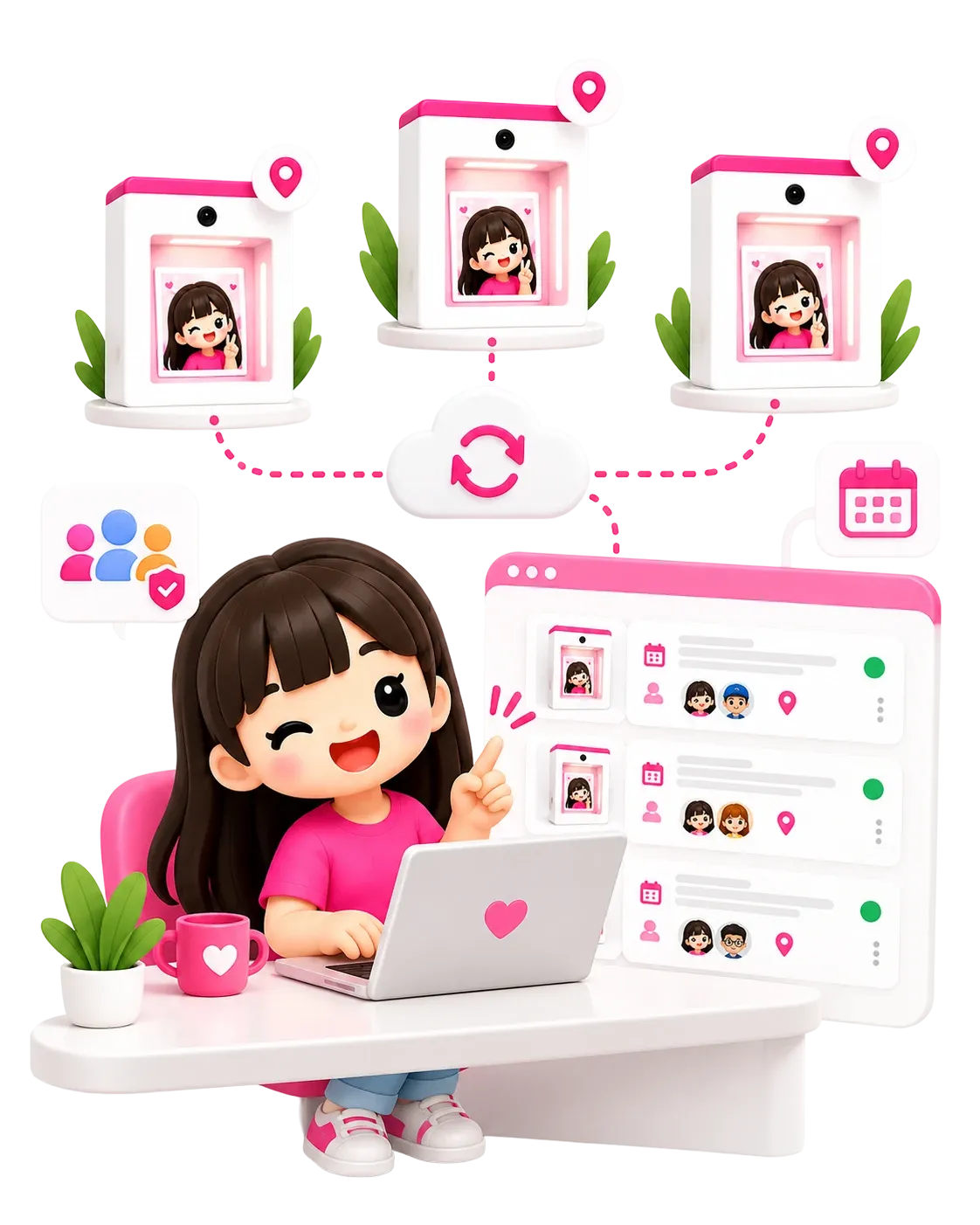
One dashboard for every client.
Run a whole season from one account, say twelve campaigns for twelve clients. Each campaign gets its own link, look and report.
Several booths behind one link. Guests choose which one to use.
Every client gets their own booth design and link.
Invite your team to help edit. Venue staff sign in to the kiosk app without your password.
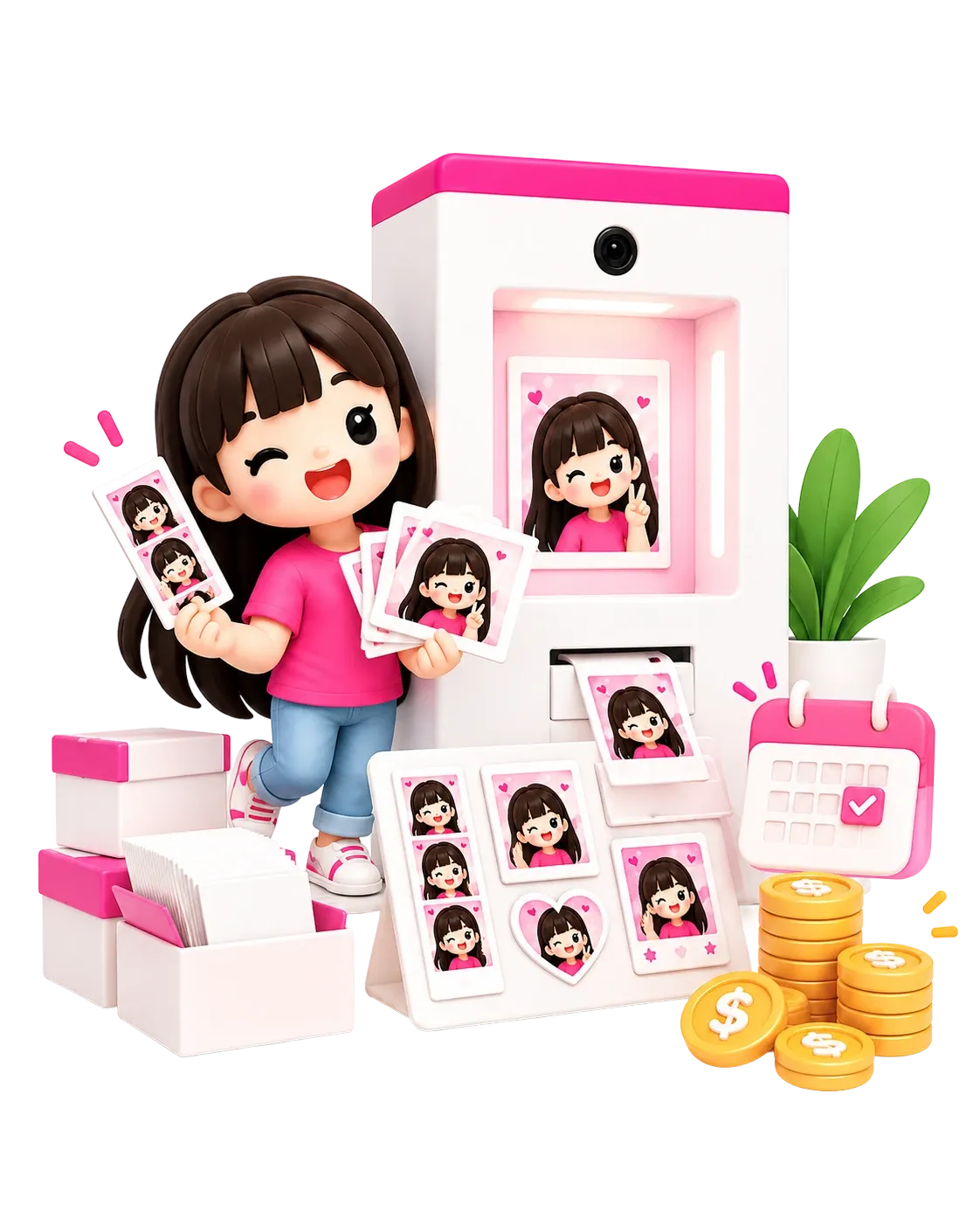
Use the camera and printer you already own.
Connect your DSLR, print on your own printer in seven paper sizes, and bill clients per event. Want more booths? Rent, buy, or run them with us.
Connect over USB to the Snap32 kiosk app on Windows or macOS.
4R, 2×6 strips and postcards, through A4, A3 and 80 mm receipt paper.
Rent per event, buy with a light upfront cost, or place one at a venue on revenue share.
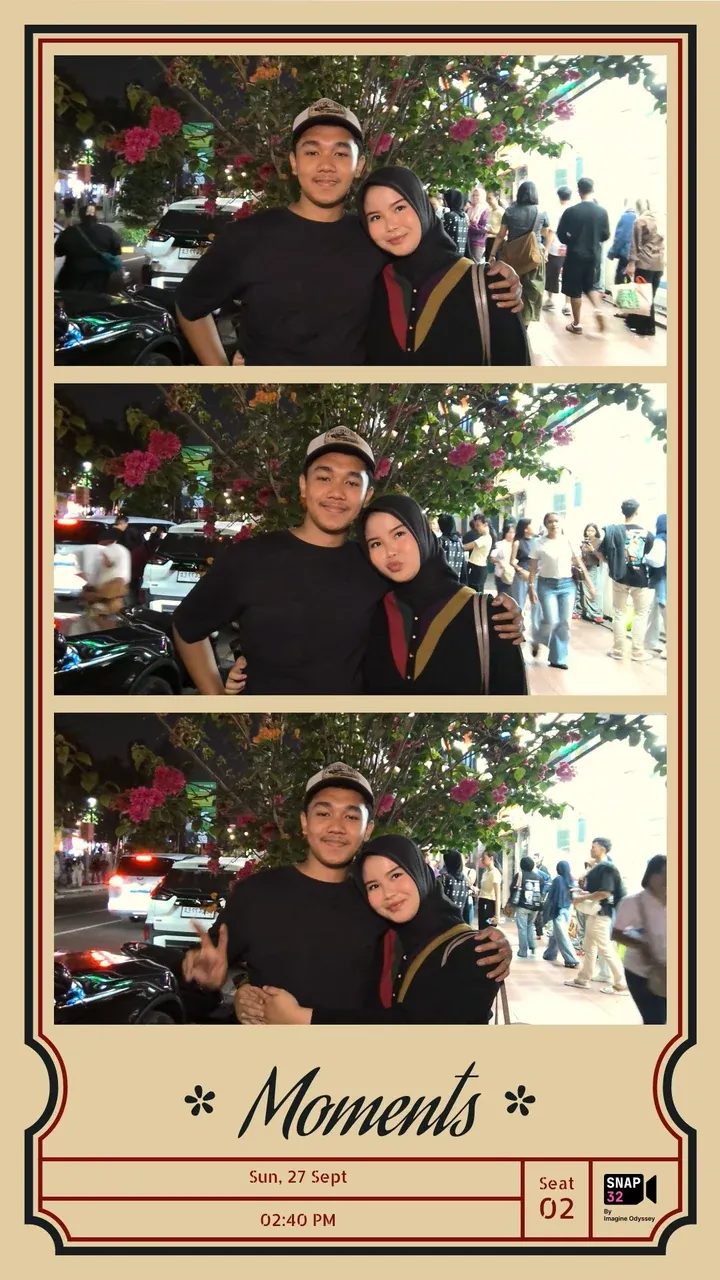

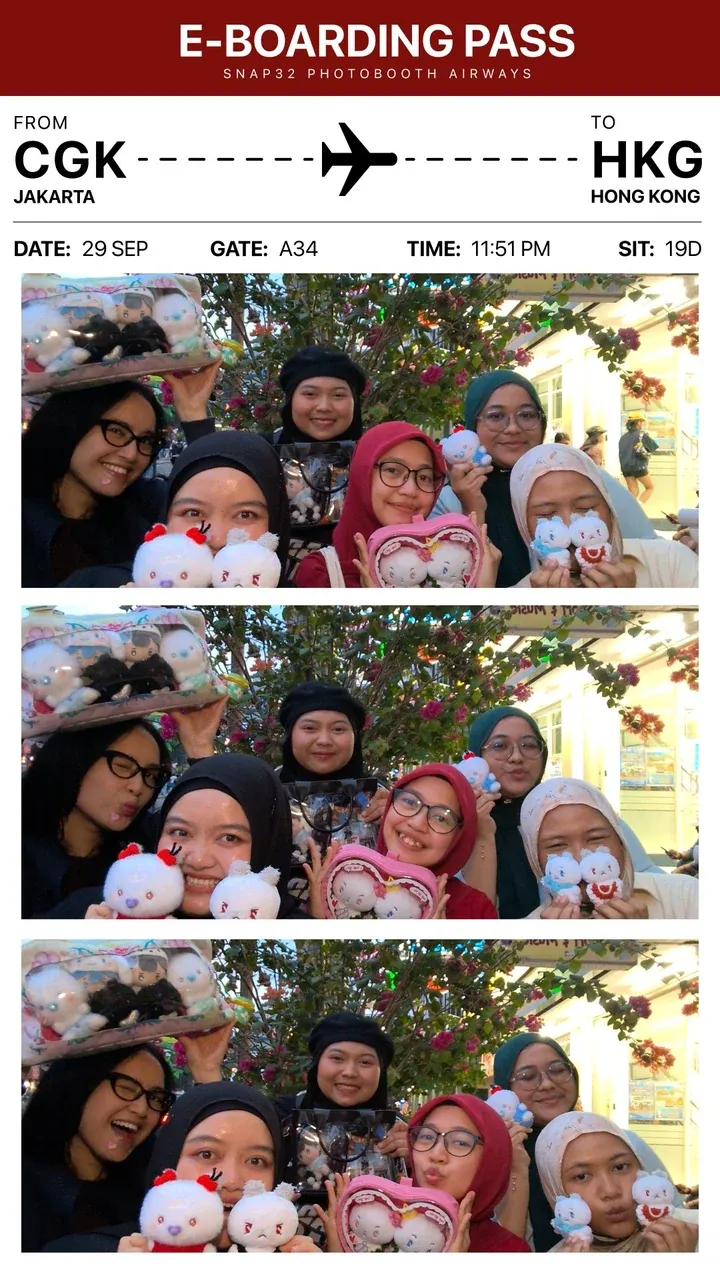
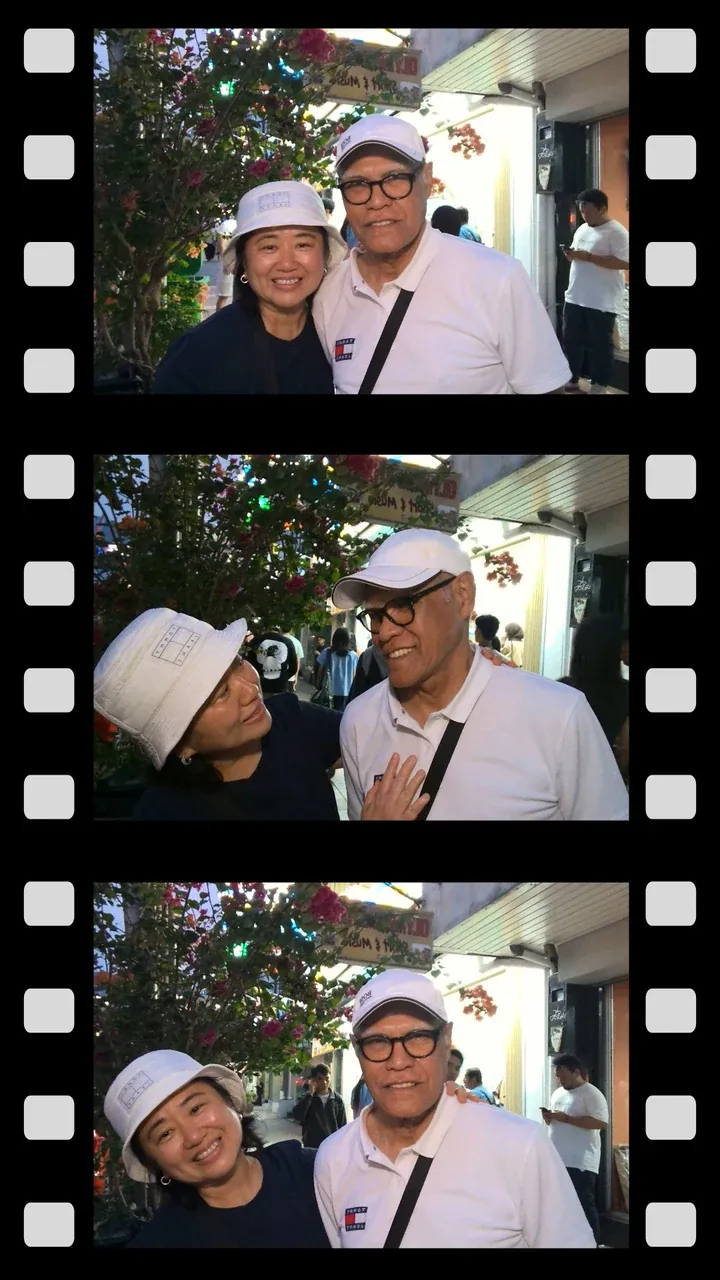
Change any of it yourself, before or during the event.
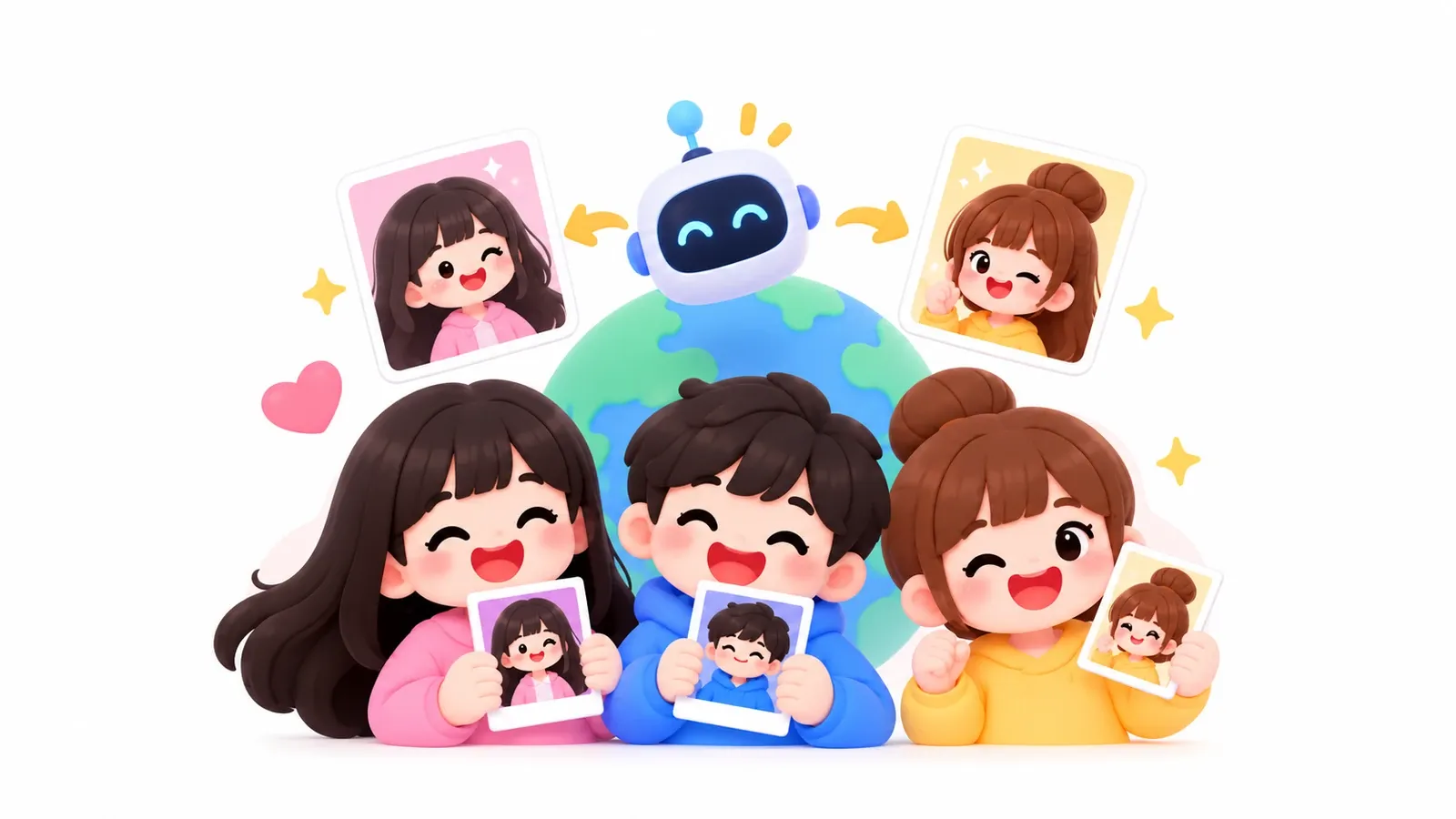
The background, outfit or style changes. The guest's face and pose stay the same.
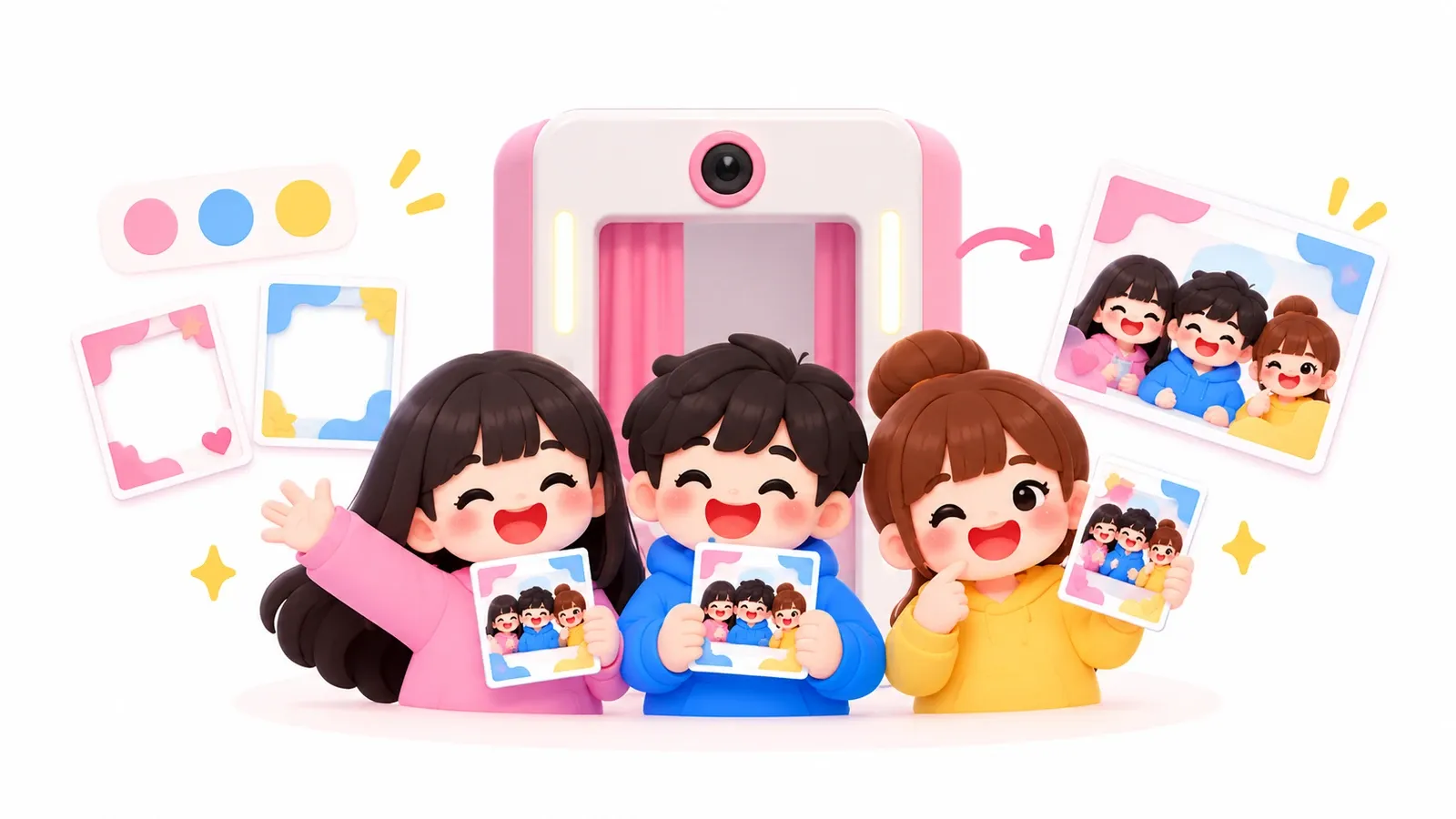
Frame, colours, start screen and the photo email all carry your brand.

Any fields you like, not just name and email. It appears when guests scan the QR to collect their photo.

Watch photos and leads come in during the event, without waiting for a report from the team on site.
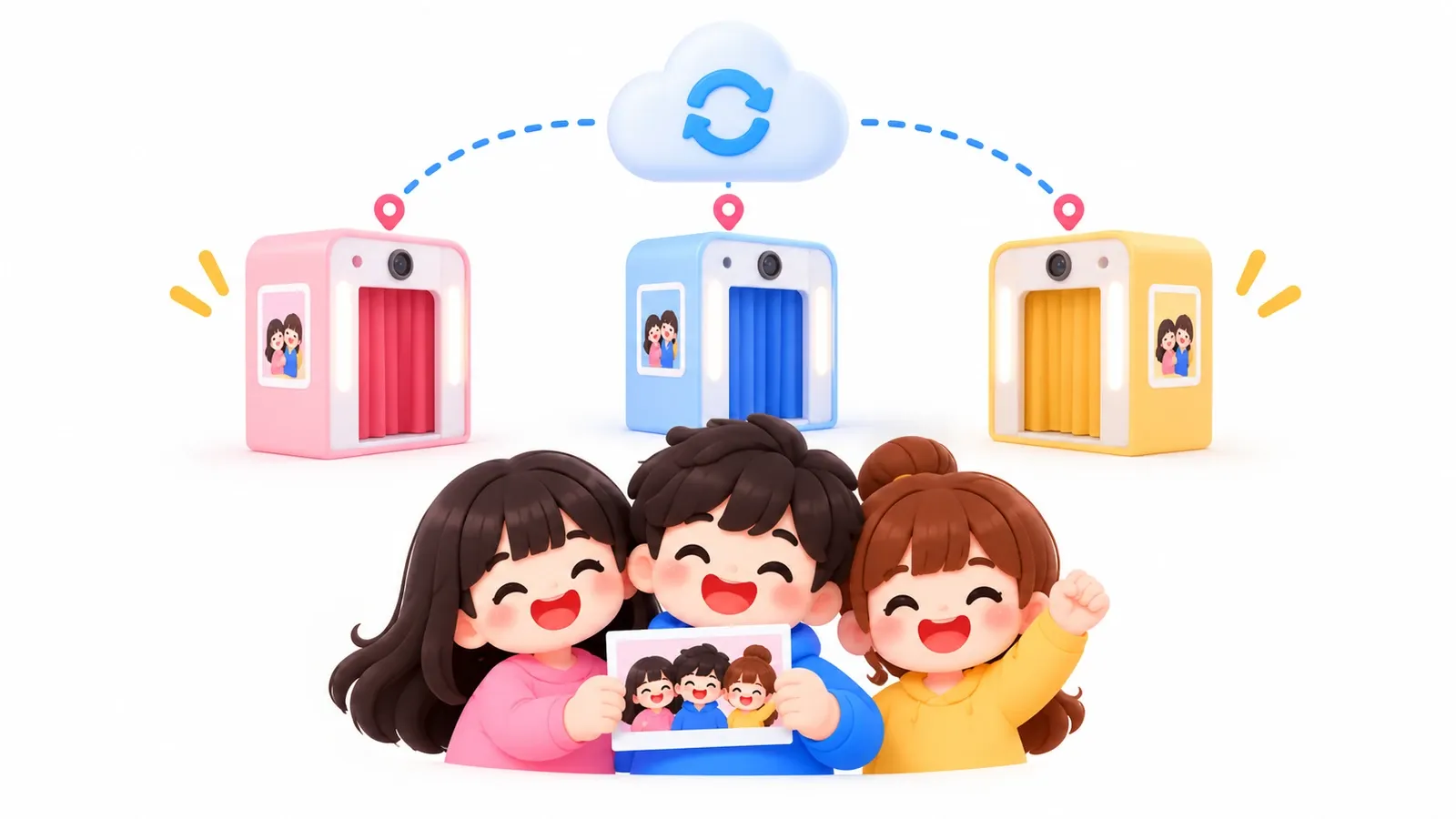
Several booths behind one link or QR code. Guests choose, and the data stays in one place.
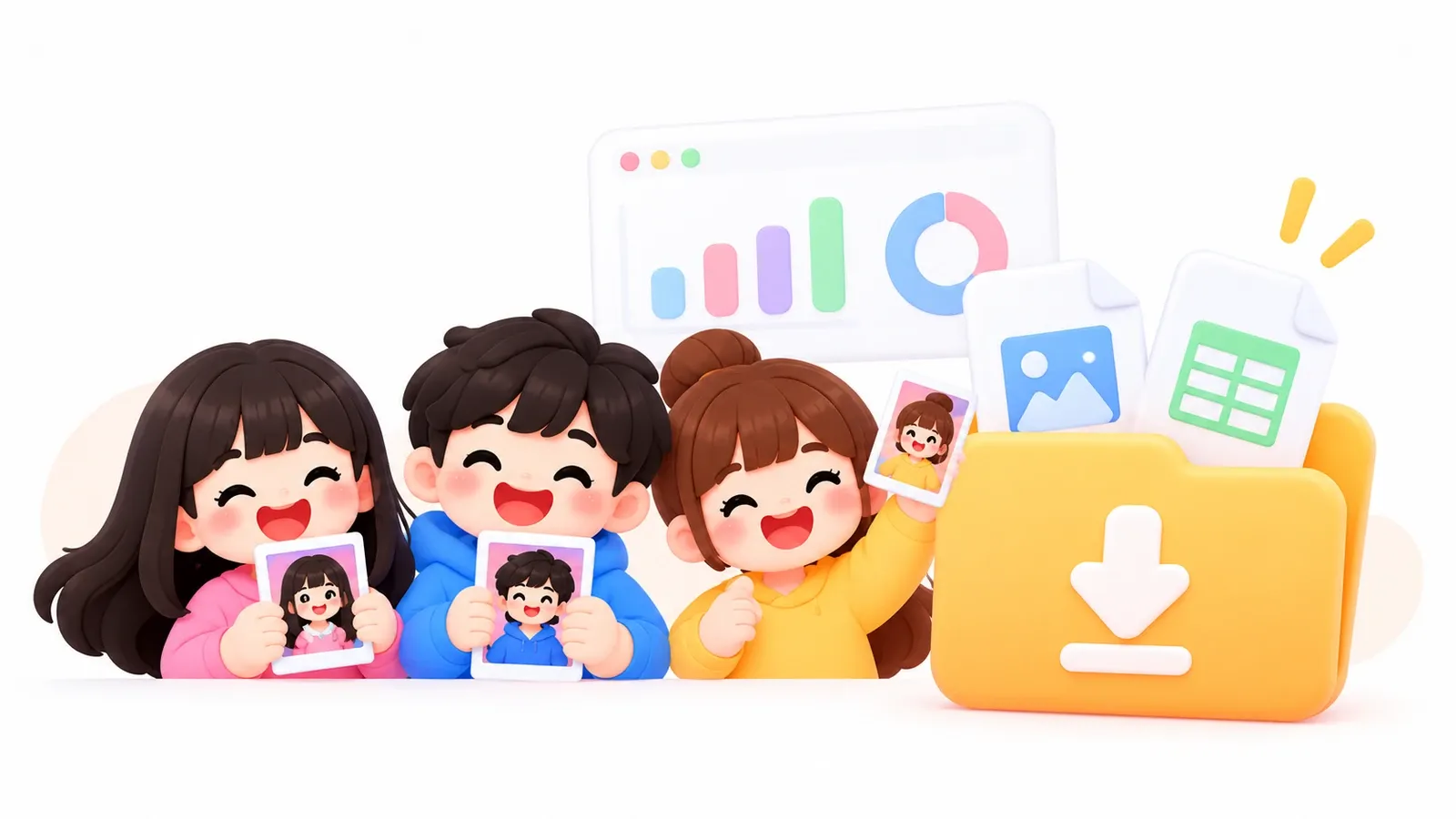
Leads as CSV and every photo in one ZIP, ready to download any time.
Windows, macOS and Android tablets. Full screen, DSLR cameras and printers.
Photo printers on the computer, Wi-Fi printers with no driver, even Bluetooth receipt printers.
Design your own frames, with a QR code on the print so guests can collect the photo.
Ready-made booth styles, in your brand's colours.
Put a video on the start screen so the booth is noticed from across the room.
An online gallery for the event, and the latest photos scrolling on the booth screen.
Gallery photos stay watermarked until the guest collects their own.
Guests save the photo, send it on WhatsApp, or get it by email in your brand.
Scan the QR code at the booth, and the guest's phone becomes the camera.
The booth opens and closes on schedule. Running an hour late? Move the time, no republish needed.
Try AI results from a draft campaign before the booth opens to guests.
Every word on the guest's screen follows your event's language.
We handle all of it: the frame, the campaign setup, the booth, camera, printer and crew on site. The next morning, the photos and guest data are in your inbox.
Based on hours, number of booths, guest count and printing. No subscription.
Snap32 runs on a laptop, PC or tablet with your own camera and printer. If you don't have the booth itself, pick one of these.
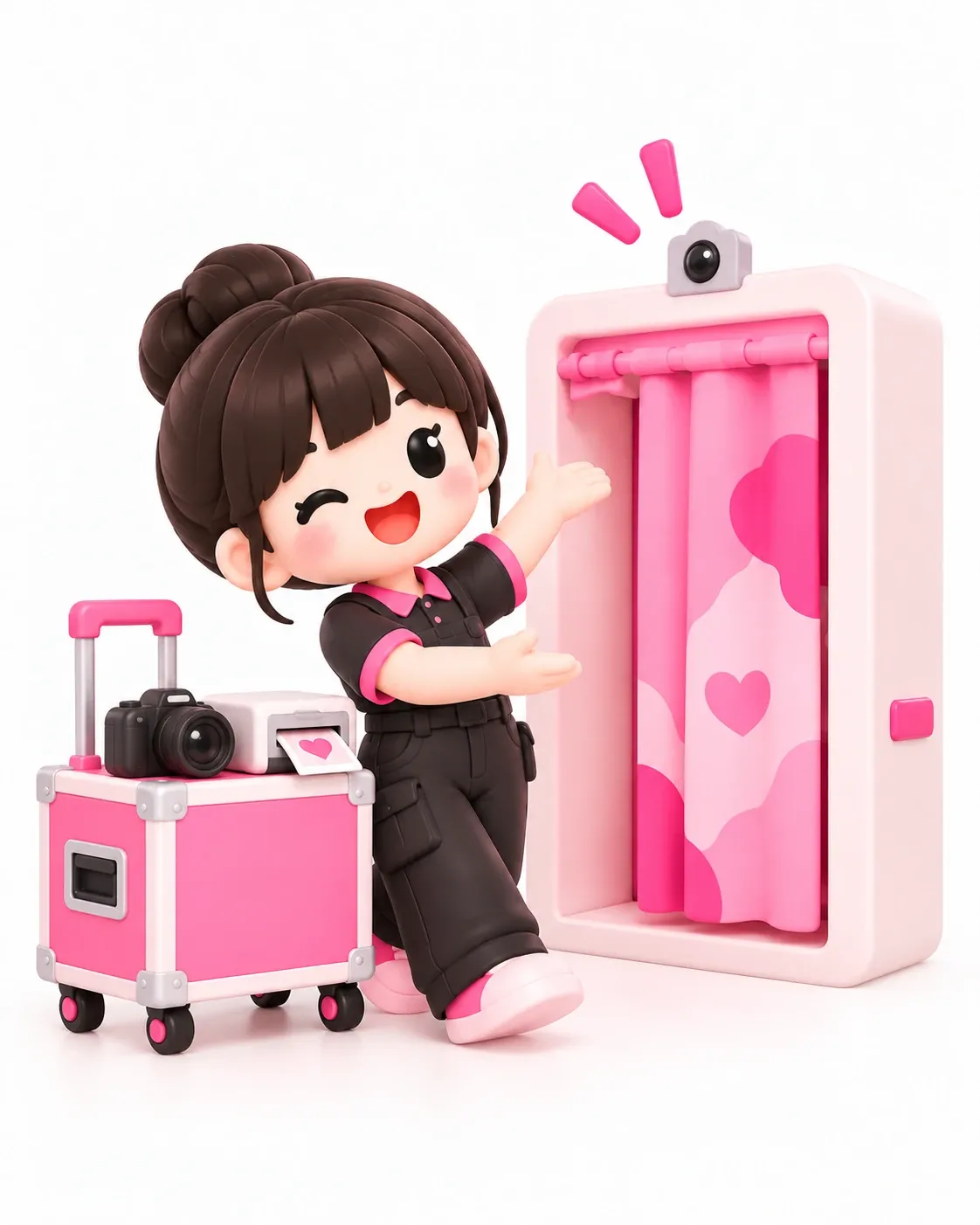
Booth, camera, printer, paper, and a crew who set up and pack down after the event. You bring the campaign and the client.
Pay per event
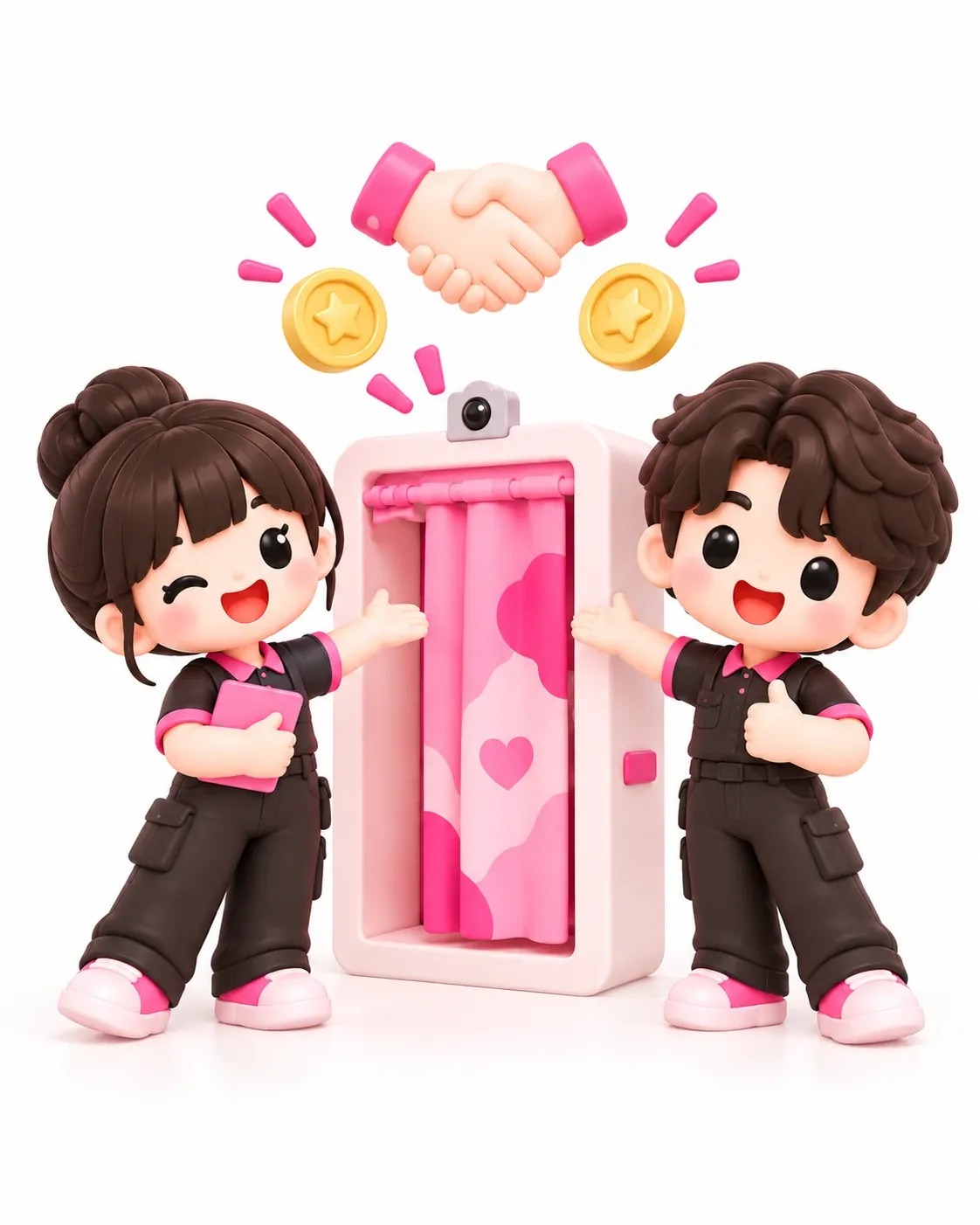
A booth of your own, built to your design. A lighter upfront cost, then the rest follows how much the booth is used.
Upfront cost + per-transaction fee
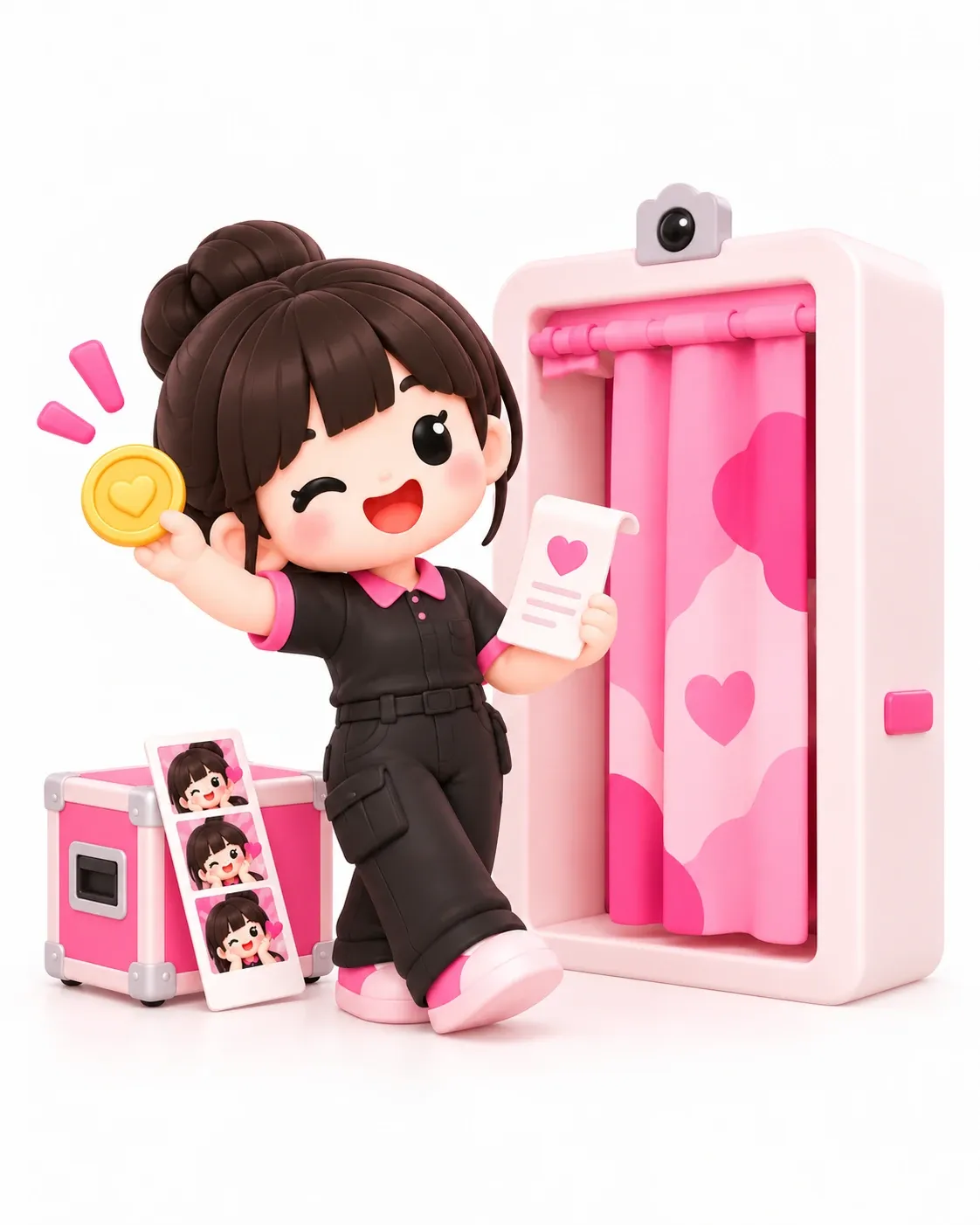
Have a busy venue but no booth? We place the booth and help run it, and we share the revenue.
Revenue share
Every plan includes AI credits each month. Booths and crew are separate: rent, buy, or hand it all to our team with Managed Campaign.
What you get:
 2 active campaigns50 AI credits / monthPhotos up to 1KPhotos kept 30 daysGallery and QR codes for guests to collect photos
Everything in Starter, plus:
4 active campaigns200 AI credits / monthPhotos up to 2K, kept 90 daysLead formPrinting from the kiosk, every paper sizeMulti-booth linksGuest Booth: video and voice messagesNo Snap32 credit on guest screensBest fit for agencies
Everything in Pro, plus:
12 active campaigns500 AI credits / monthEverything in Event Organizer, plus:
25 active campaigns1,500 AI credits / monthPhotos kept 120 daysLimits raised when you need moreEvery account starts on a trial with 10 AI credits. You choose a plan in the dashboard, and our team confirms the price before anything is billed.
Yes. Say Basic for the formal photo session and an AI booth for everyone else. Put both behind one multi-booth link and guests pick.
Frame, colours, background, the start-screen layout, and the photo email with your logo and colours.
Whatever you add: a phone number, a multiple choice such as product interest, or a free-text field.
After they scan the QR code to collect their photo, never before the photo is taken.
The booth runs in any browser from its link. For a booth at a venue, the Snap32 kiosk app runs on Windows, macOS and Android tablets, with DSLR cameras and printers. Guests collect their photo by scanning a QR code on their own phone.
Yes. Share the booth link, and guests take their photo from their own phone or laptop.
Sometimes. We tune the AI to keep guests' faces and poses, including religious and traditional dress. If a result misses, tell us and we'll help fix it.
Yes. Each booth is its own campaign, and all the data sits in one dashboard.
No. Photos are stored and delivered to guests over the internet, and the AI runs on our servers. If the connection drops briefly, the booth screen stays up and shows that it's offline. If the venue's signal is weak, bring a portable modem.
Yes. Snap32 runs on your laptop, PC or Android tablet, with a webcam or DSLR and your own photo printer. If you don't have a booth, you can rent or buy one from us.
Lead data downloads as CSV, and all the photos as one ZIP, any time.
Only you and the team you invite can open it, through your dashboard. Photos are deleted automatically when your plan's storage period ends, 30 to 120 days.
Set up your first campaign yourself, or tell us the date and let us bring the booth. New accounts get 10 free AI credits, and you pay nothing until you're ready to run an event.